
Using the dashboard
Signing in, the four areas of the sidebar, and where changes are recorded.
Signing in
Open the dashboard and log in with Discord. Mewvo only asks Discord who you are (identify). You need the Administrator role in the server; it is checked again on every page and every save. A server can also give a moderator role view access to the moderation pages.
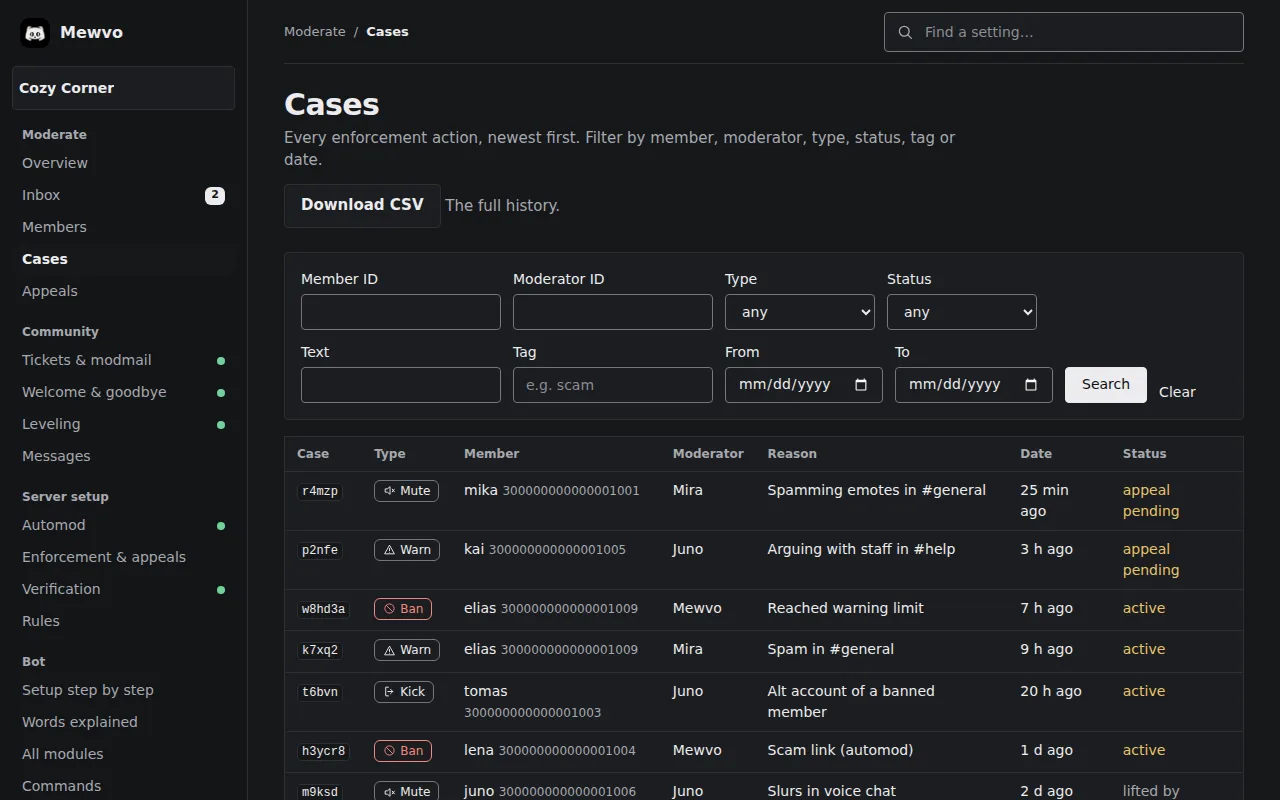
The four areas
- Moderate
- Overview (what needs you first), Inbox, Members, Banned, Cases, Appeals, Keep apart, Staff and Channel tools.
- Community
- Tickets and modmail, Welcome and goodbye, Leveling, Reaction roles, Messages, Giveaways, Birthdays, Applications, Community and Join to create.
- Server setup
- Automod, Enforcement and appeals, Logging, Verification, Counters and the Support server.
- Bot
- All modules, Commands and the Audit log.
Changes and the audit log
Settings are shown as rows; change one and save. Every change is written to the audit log: who changed which setting, from what, to what. Actions such as bans from the Members page use the same rules as the commands, including the DM and the safety checks.
The dashboard works on phones too, with a tab bar at the bottom, and has five themes in the account menu (Light, Dark, Dim, High contrast, or the same as your device).